KeySynth Studio - MIDI Visualizer
A downloadable tool for Windows, macOS, and Linux
Create Stunning, Cinematic Piano Videos Instantly.
KeySynth Studio is a high-performance, standalone MIDI and piano visualizer built for content creators, musicians, and educators who demand premium aesthetics without the friction of monthly subscriptions.
Just drop in your MIDI file, customize your visual space, and render pristine, high-fidelity 2K/60fps (up to 4K/120fps) videos locally on your machine, faster than real time, even on budget hardware.
Changes in KeySynth Studio v1.1:
- New, improved UI design with better color scheme and visual feedback.
- Larger sidebar for more intuitive navigation and easier access to controls.
- Fixed particle continuous spawning issue when using the "fountain" particle type.
- Added bloom quality dropdowns and a "disable chromatic aberration" option for better performance on low-end devices.
- Added more customizability to intro and outro screens, including the ability to add custom text and images.
- Added special "segment markers" for better visualization of MIDI segments. This is especially useful if your MIDI file has multiple "movements" or "sections" that you want to highlight.
- Reduced particle system size quantization and lifted the limit on the number of particles that can be continuously spawned. This allows for more complex and visually appealing particle effects. This new limit is now capped at 50k particles.
- Optimized off-screen particle culling.
KeySynth Studio v1.1 Benchmarks:
New export and performance benchmarks on a legacy ThinkPad T450 (Intel i5 5300U, Intel HD 5500) proved that even on very old legacy hardware, KeySynth Studio can export a 1:42-minute track (including audio) in just 3:10 minutes at a 720p / 24 FPS output target.
KeySynth Studio v1.1 Checksums:
Checksums help verify the integrity of our distributables, ensuring they are not corrupted, damaged, or altered.
Windows:
sha256:c4dbcdc45ebf91d1f2fd295e9c58047d948000897501eff8508c347f0634ad22
macOS:
sha256:c02dd69bb96ea79d70a9b3da3b34bccea2277758f13b11e06abe5062dbdd4e58
Ubuntu (Linux):
sha256:b5de81629763c4e206854bc3d0b78f85f1999ef04477005a589f361ac31952d6
Changes in KeySynth Studio v1.0.1:
- New lightsabers: 1. Neon Ribbon, 2. Ice Crystal, 3. Void Rift, 4. Solar Flare.
- New particle forces: 1. Magnetic Pulse, 2. Dual Orbit, 3. Wind Gust.
- New flow strand count controls and optimizations. Disable flow strands for better performance on low-end devices.
- New C Note split octave markers, and a new middle C marker for better visual reference.
- New duration bar for displaying the current MIDI length.
- Reuse and optimization of existing particle systems for better performance and lower memory usage.
- Optimized exports to use native video encoding for better performance and lower memory usage.
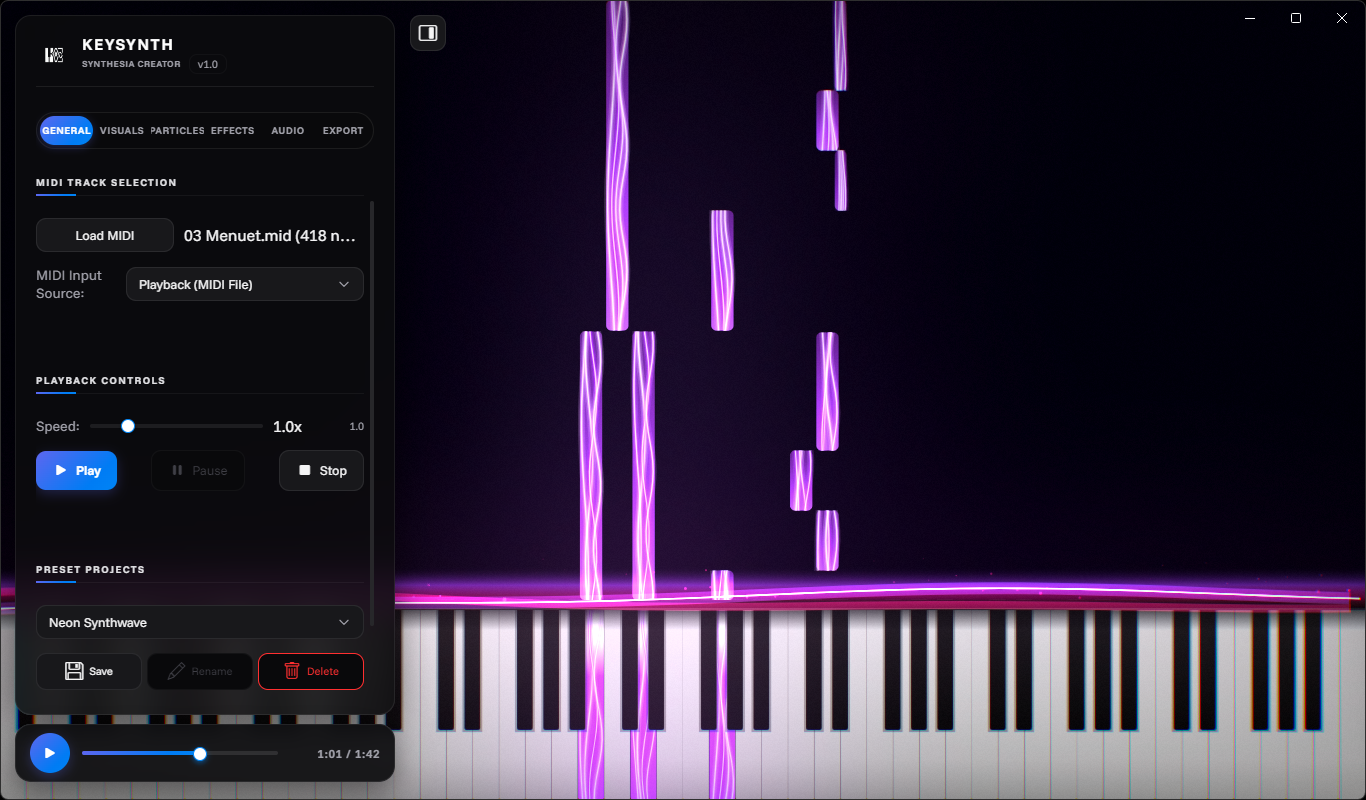
KeySynth Studio raw output showcase on Moonlight Sonata.
Optimized for Raw Speed
Stop waiting around for heavy video editors or cloud-based platforms to finish rendering. KeySynth Studio utilizes a custom, ultra-optimized local rendering engine that respects your time and your hardware.
- Hyper-Fast Processing: Renders a 45-second cinematic track in just 25 seconds (executing at 108+ FPS) on budget cards like a GTX 750.
- 100% Local-First: Your data never leaves your device. No cloud queues, no mandatory account sign-ups, and no internet connection required (except for the initial sample loading from ToneJS).
Professional Visuals
Bring your music to life with extensively customizable, audio-reactive visual environments. KeySynth Studio gives you absolute control over the look and feel of your performance:
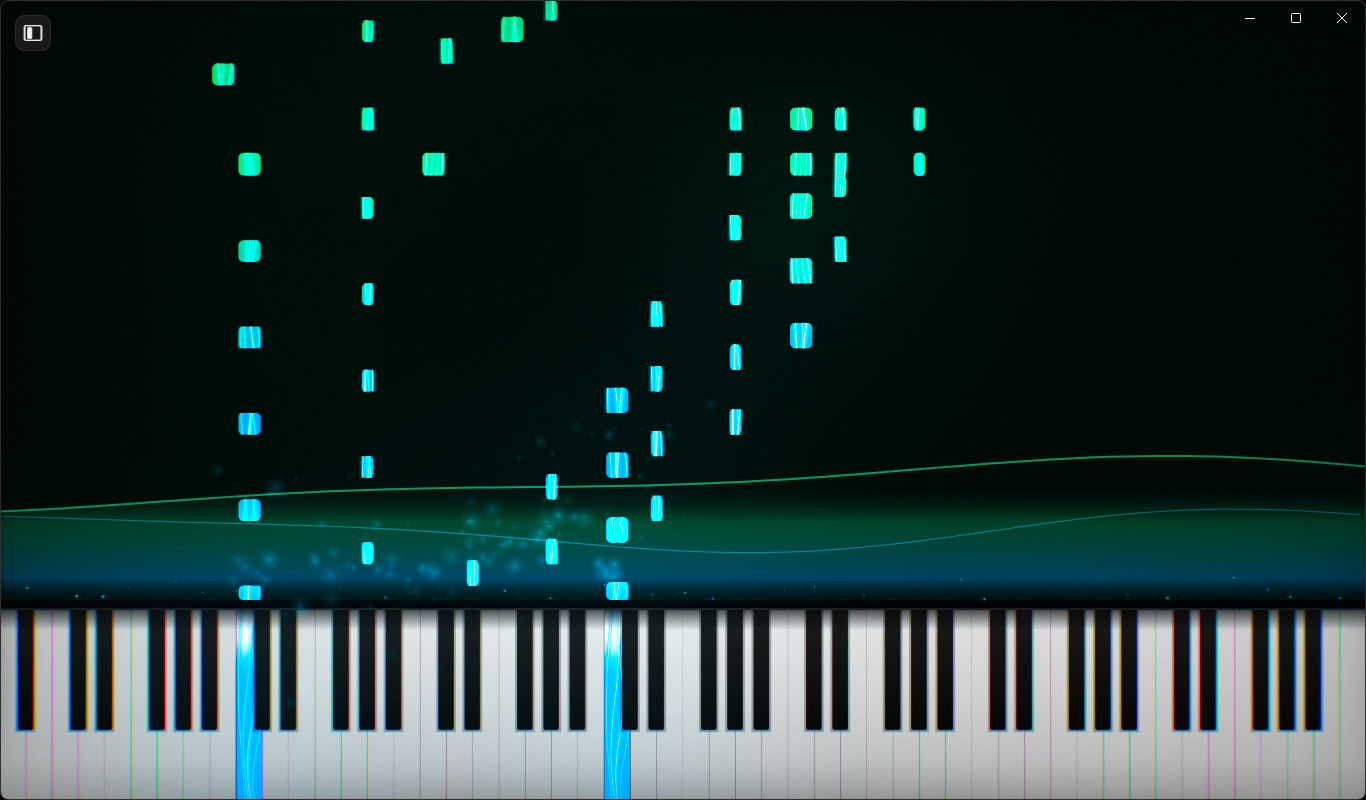
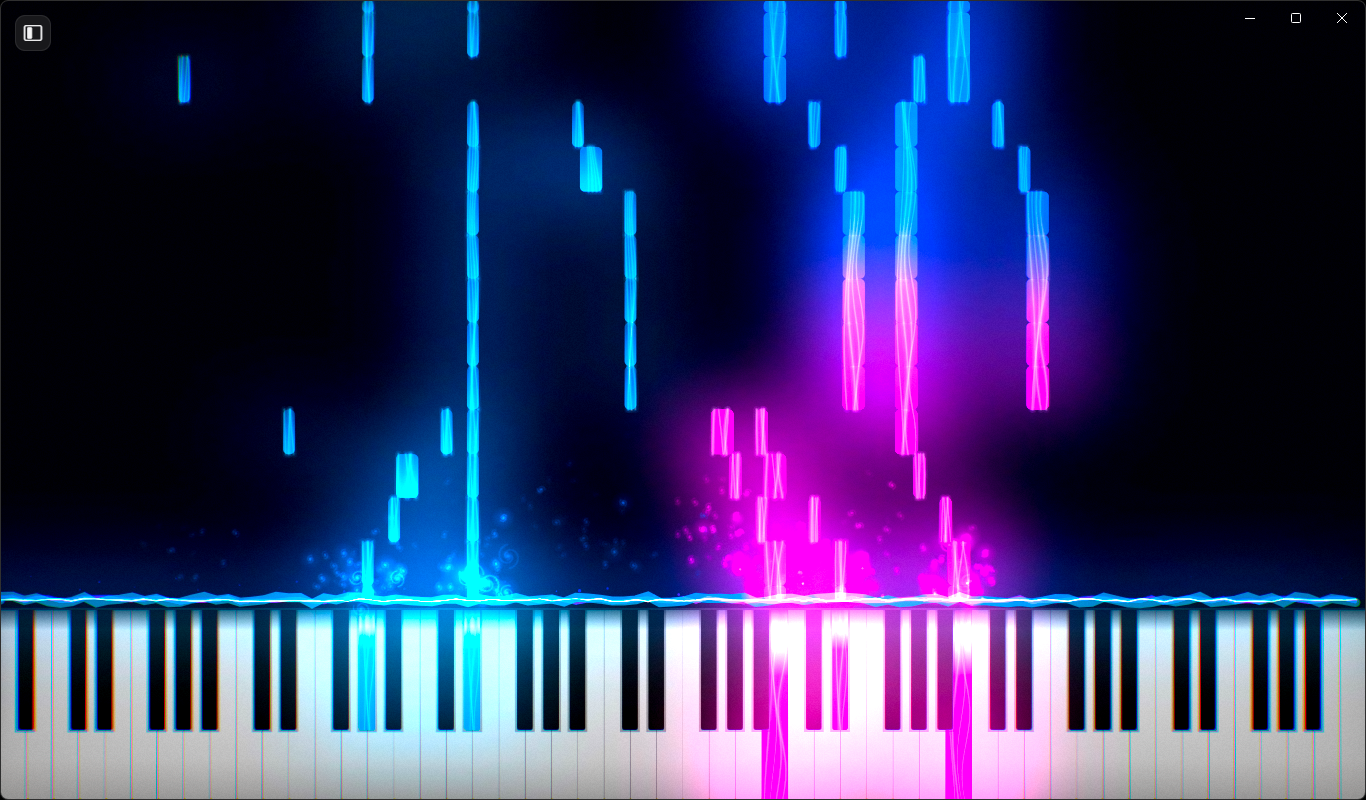
- Dynamic Preset Engine: Launch instantly with beautiful built-in templates like our Arctic Aurora theme. You can also easily save, load, and share your custom setups via JSON export/import.
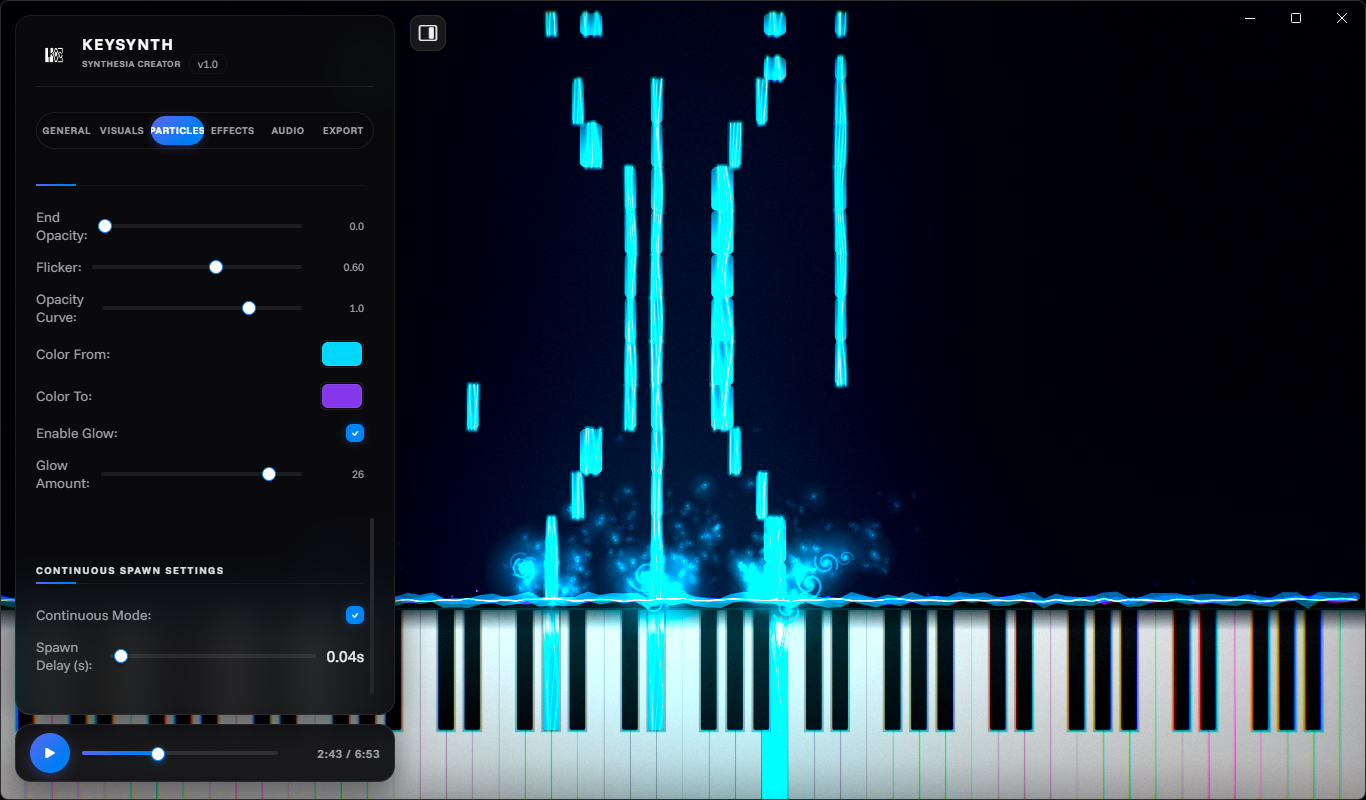
- Fluid Particle Physics: Features turbulent flow particle fields that react organically. Also includes customizable particle types, particle forces, and loads more.
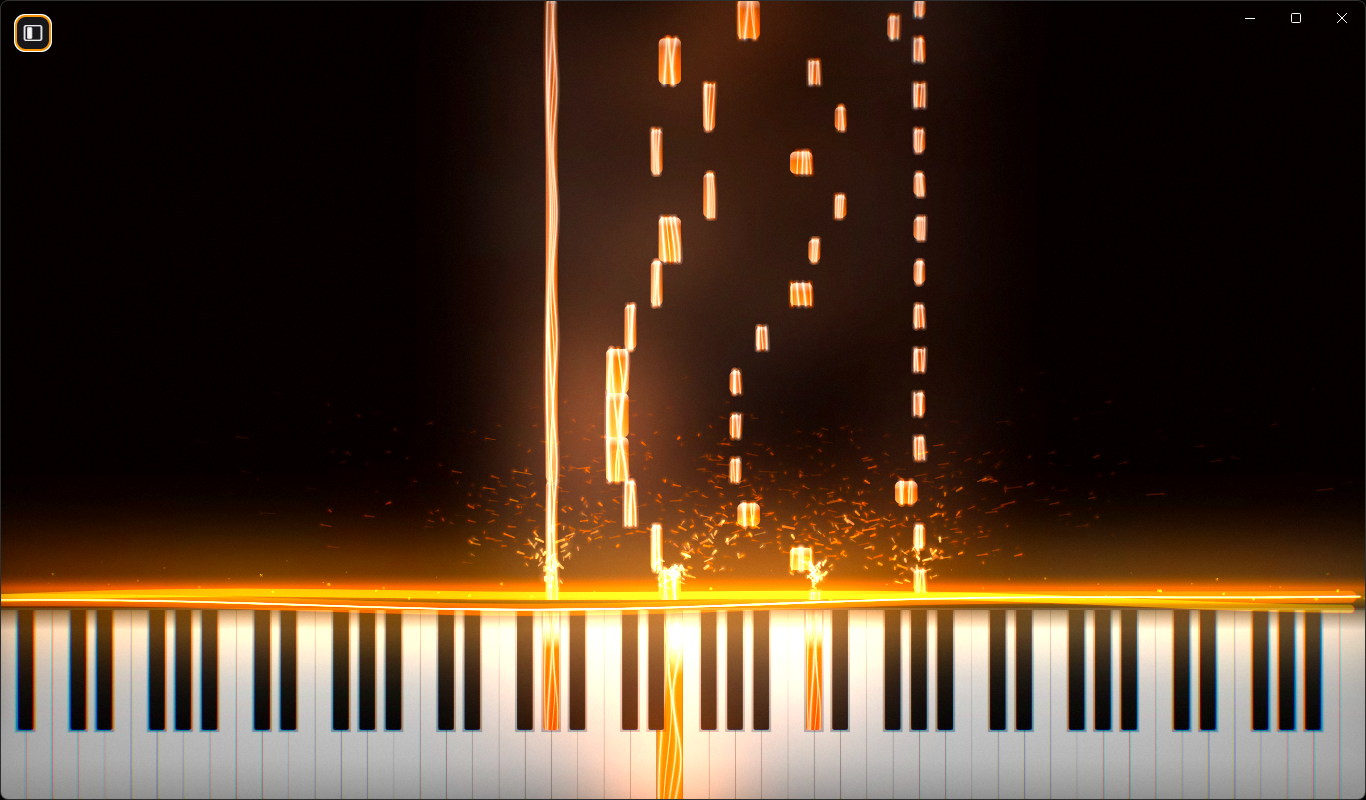
- Cinematic Post-Processing: Dial in the perfect amount of high-grade ambient bloom, glow, or adjust contrast, saturation, or film grain. Make your MIDI visuals your own.
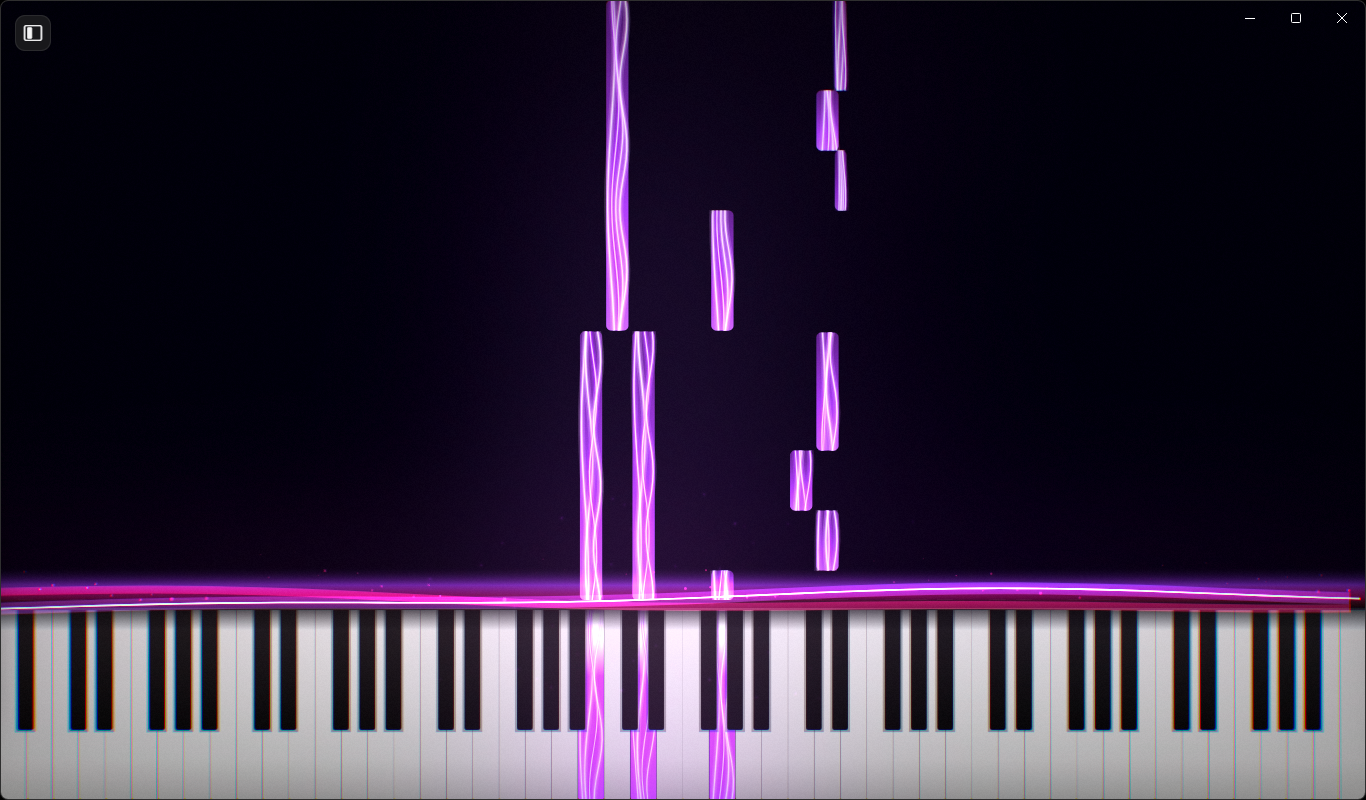
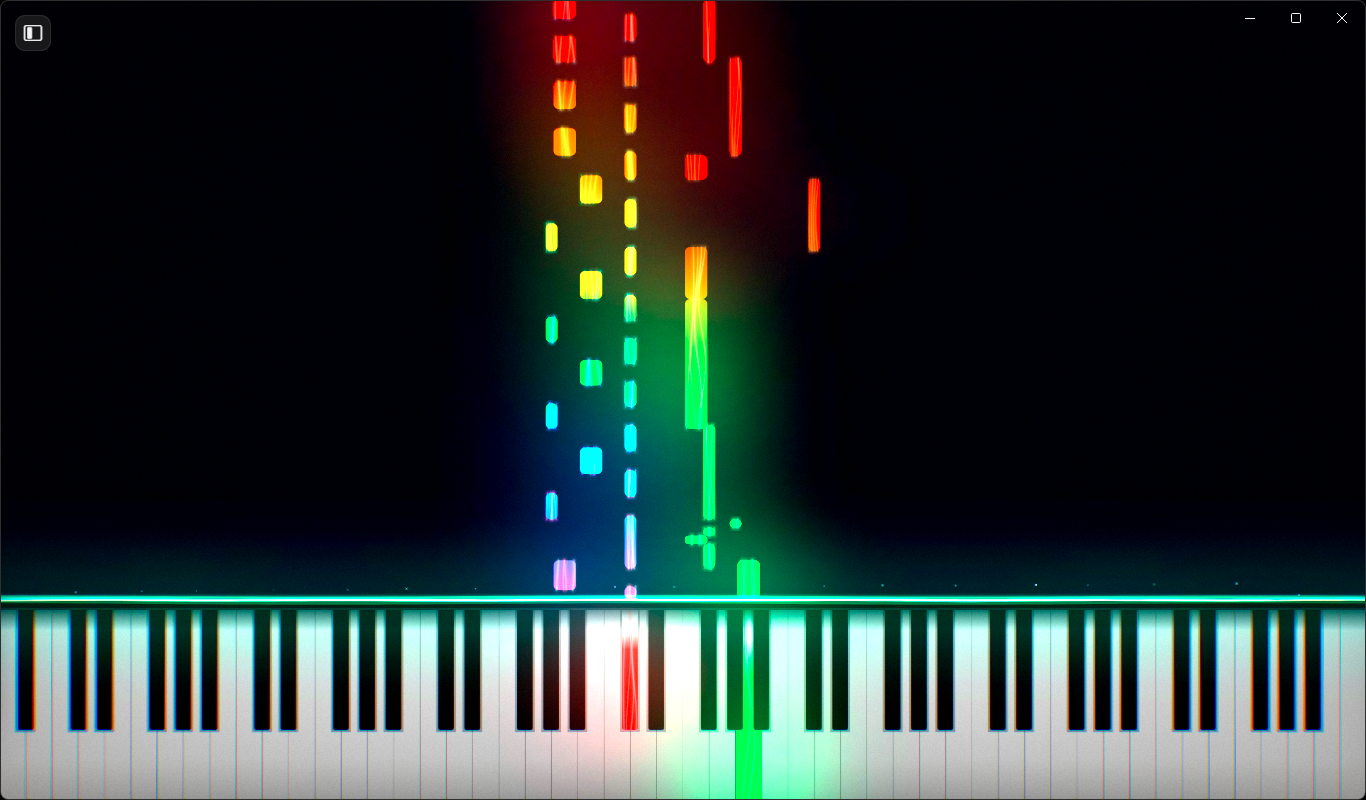
- Advanced Visual Assignments: Fully customize MIDI track colors, color gradients, key splits, and striking "lightsaber" note styles.
- Live MIDI Support: Plug in your digital piano or controller and play live with real-time, zero-latency visual generation.
- High-Quality Exports: Export your MIDI render with all visual effects, particles, and more, at various resolutions, audio bitrates, and qualities. We support everything from 720p up to 4k at 120fps.
One-Time Purchase. True Ownership.
We are tired of subscription fatigue. KeySynth Studio is built by a lean independent team (that is: one developer only) focused entirely on clean code and user value. Instead of paying around $20 for one month or $240 yearly, you can simply buy once and own it forever, including future updates.
- No Monthly Fees: Pay once, own it forever.
- Commercial use of any Keysynth outputs, whether that is presets (JSON) or video and audio, will always remain free.
About Downloads
Our downloads are packaged in standard formats for each target platform. Please note that the compiled builds of KeySynth Studio have been actively tested on Windows 11 (x64) versions 22H2 and 25H2.
| Platform | Setup Installer | Standalone App File | Signed Binary |
|---|---|---|---|
| Windows 11 (x64) | Yes | No | No |
| macOS (Apple Silicon/Intel) | No | Yes | No |
| Linux (Ubuntu) | No | Yes | No |
Important Operating System Notes
Because we choose to keep KeySynth Studio a one-time purchase without a monthly subscription model, we do not pay the massive annual corporate licensing fees required to sign and notarize our desktop builds. KeySynth Studio is completely safe, privacy-focused, and contains zero tracking or malicious code; it is simply a native web engine packaged cleanly for desktop execution using Electron.
Here is how to easily run it on your system:
- Windows SmartScreen: When running the installer for the first time, Windows Defender SmartScreen may flag the executable as an "Unknown Publisher" simply because the file hasn't been run thousands of times globally yet. Click "More Info" and select "Run Anyway" to proceed.
- macOS Gatekeeper: Apple is highly restrictive with unsigned software. If your system flags the app as damaged or unverified, do not worry; the binary is fully intact. Simply drag it to your Applications folder, Right-Click (or Control-Click) the application icon, select Open, and then confirm "Open Anyway".
About Updates
We'll introduce gradual updates to improve Keysynth over time and optimize where we can. But bug fixes will still take priority so that they are patched as soon as possible, as more users get to test Keysynth, since our testing can't cover every possible use case.
Thank you for supporting independent, standalone software development.
Purchase
In order to download this tool you must purchase it at or above the minimum price of $29 USD. You will get access to the following files:
Development log
- KeySynth Studio v1.178 days ago
- KeySynth Studio v1.0.1 Update: GPU Acceleration, New Particle Forces and Lightsa...84 days ago
- KeySynth Studio v1.0.096 days ago
Leave a comment
Log in with itch.io to leave a comment.